Promoted articles
How to manage Invoice Template & design in Foodics Accounting
To ensure that your invoices always include your company’s details and appear consistent for every client, you need to properly set up your invoice settings in the system.
Here’s how to configure and customize your invoice field:
Steps to Set Up Invoice Settings:
- Navigate to Settings > Invoice
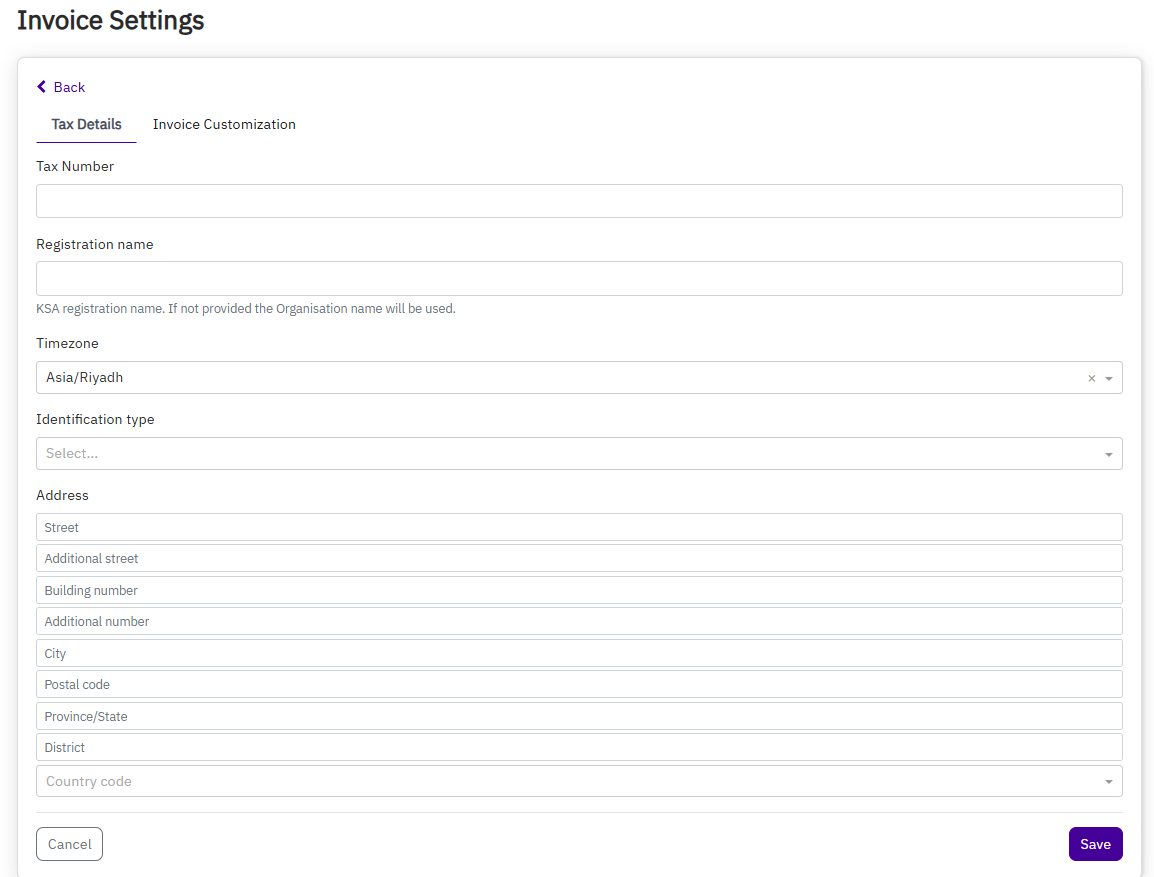
Available Customization Options:
- Margins – Adjust the space around the invoice content
- Font style and size – Choose the look and scale of the text
- Company Logo – Upload your business logo to appear on every invoice
- QR Code – Enable a QR code to comply with invoicing regulations
- Line Spacing – Switch between single spacing and double spacing to improve readability
Setting this up ensures that all invoices sent to your clients are professional, branded, and aligned with your business identity.